Queues and agents
A queue for each team, at one location or the whole company, answered by the people you name to it.
App
Ask for help in one place. Answer it in one place.
Set up a queue for each team that answers requests. Employees raise tickets in the Employee Portal and follow them; the agents you name answer them, with targets that stop while a ticket waits on somebody else.
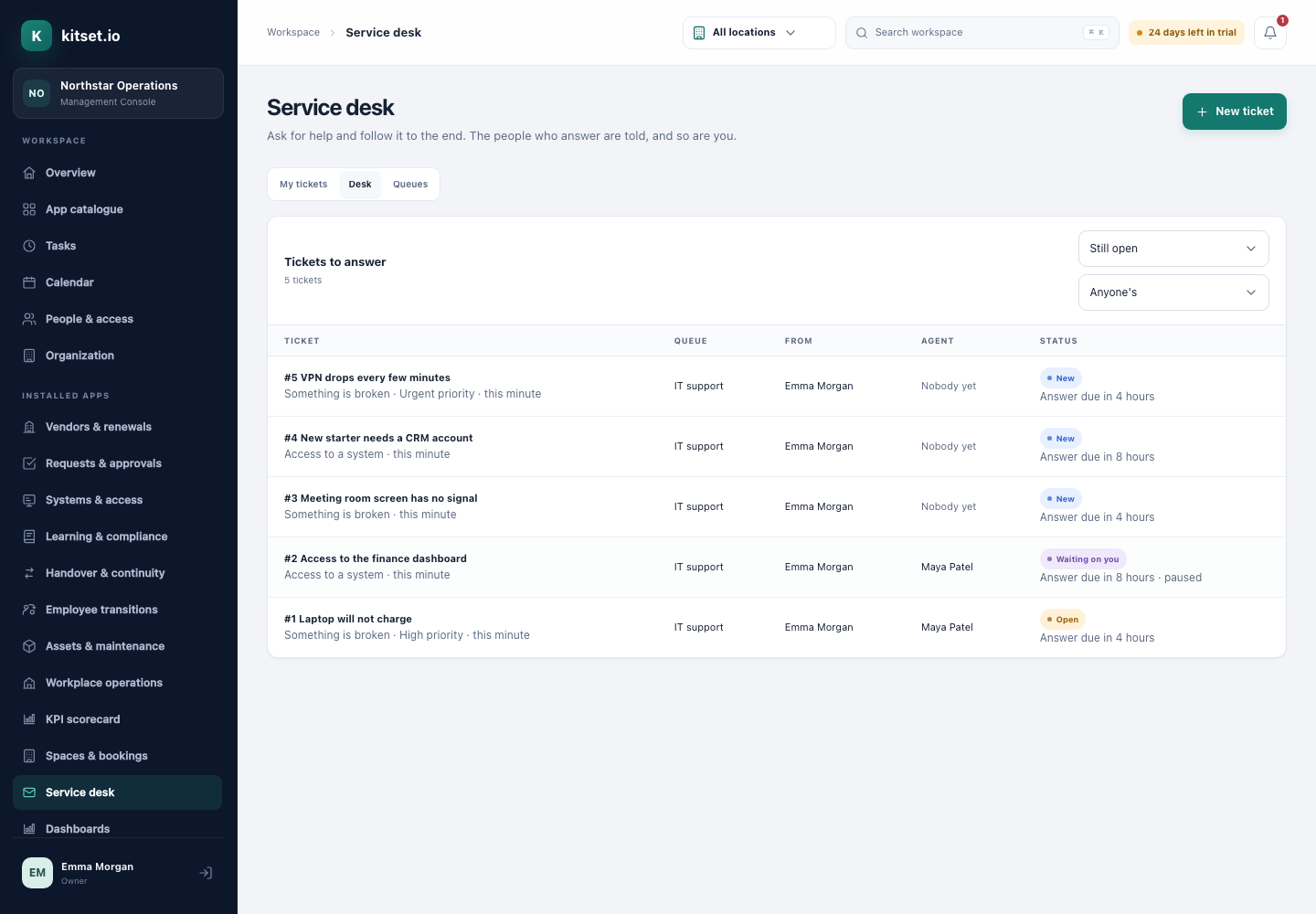
A queue for each team, at one location or the whole company, answered by the people you name to it.
A fault, a request, a question or a replacement, each with how soon it should be answered and resolved.
Each ticket gets the next number, and can point at the requester's own asset, a system they use or a space open to them.
Replies both sides read, and internal notes only the desk reads, on one thread per ticket.
While a ticket waits on the requester or a supplier its targets stop, and the desk is told about a ticket past its time. The requester accepts or reopens a resolved ticket, then rates it from 1 to 5.
Each queue can take email at its own address: forward the one your team already uses. Only people in the workspace raise tickets, from a sender their own domain confirms, and a reply to a ticket's email becomes a message on the ticket, files and all.
An employee raises a ticket in the Employee Portal or by email, or reports a problem with an asset they hold.
The queue's agents take it, reply, note and move it on.
The requester accepts it or reopens it, and rates the answer.
Managers set up queues, agents, categories and email in. Agents work the tickets in their queues, with internal notes and every status.
Employees raise tickets, follow and reply to their own, and rate the answer.
A holder's report of a broken asset raises a ticket in the right queue.
A replacement can become a purchase request, whose decision is noted on the ticket.
A workplace record can raise a ticket for the team that fixes it.
Step by step, with pictures: the Service Desk guides.
Every plan includes some apps: Team 3, Growth 5 and Scale all 13. A plan includes your most expensive selected apps, and each app past that is billed at its own price. Past your plan's allowance, Service Desk is S$39 a month, and annual billing charges 10 months for the year.
From other employees, yes: only the requester, the queue's agents and its managers read a ticket. Owners and System Admins pass every permission check, so they can read every ticket.
Yes, where the desk turns it on. Each queue can have its own address, and a team forwards the address people already use to it. Only people in the workspace raise tickets this way, from the address they sign in with.
No. Most teams forward the address people already use, such as it@ at their own domain, to it, so nobody learns a new one. Replies need no address at all: each ticket's email carries its own.
Yes, where the desk takes email. A reply to a ticket's email becomes a reply on the ticket, for the person who raised it and for the desk alike. A reply reopens a resolved ticket, and a requester's reply to a closed one raises a follow-up ticket.
No. kitset.io checks that the sender's own email domain signed the message, and a ticket is raised only for the person whose address it is.
The desk sees it under Recent emails for 30 days, with why it was refused. Where kitset.io is sure who sent it, that person is told.
Yes. Turn off Agents can answer by email for the queue. Requesters can still reply by email.
5 Console users, 500 Portal users, 25 GB of storage and any 3 apps, free for 30 days. No card, no call.