Holiday, shift and role handovers
Each with a recipient, dates, your availability, an escalation contact and what you will pick back up when you return.
App
Nothing dropped while someone is away.
Before a holiday, a shift change or a move to a new role, hand your work over properly: what needs cover, who owns each action, who to call, and confirmation that it was picked up.
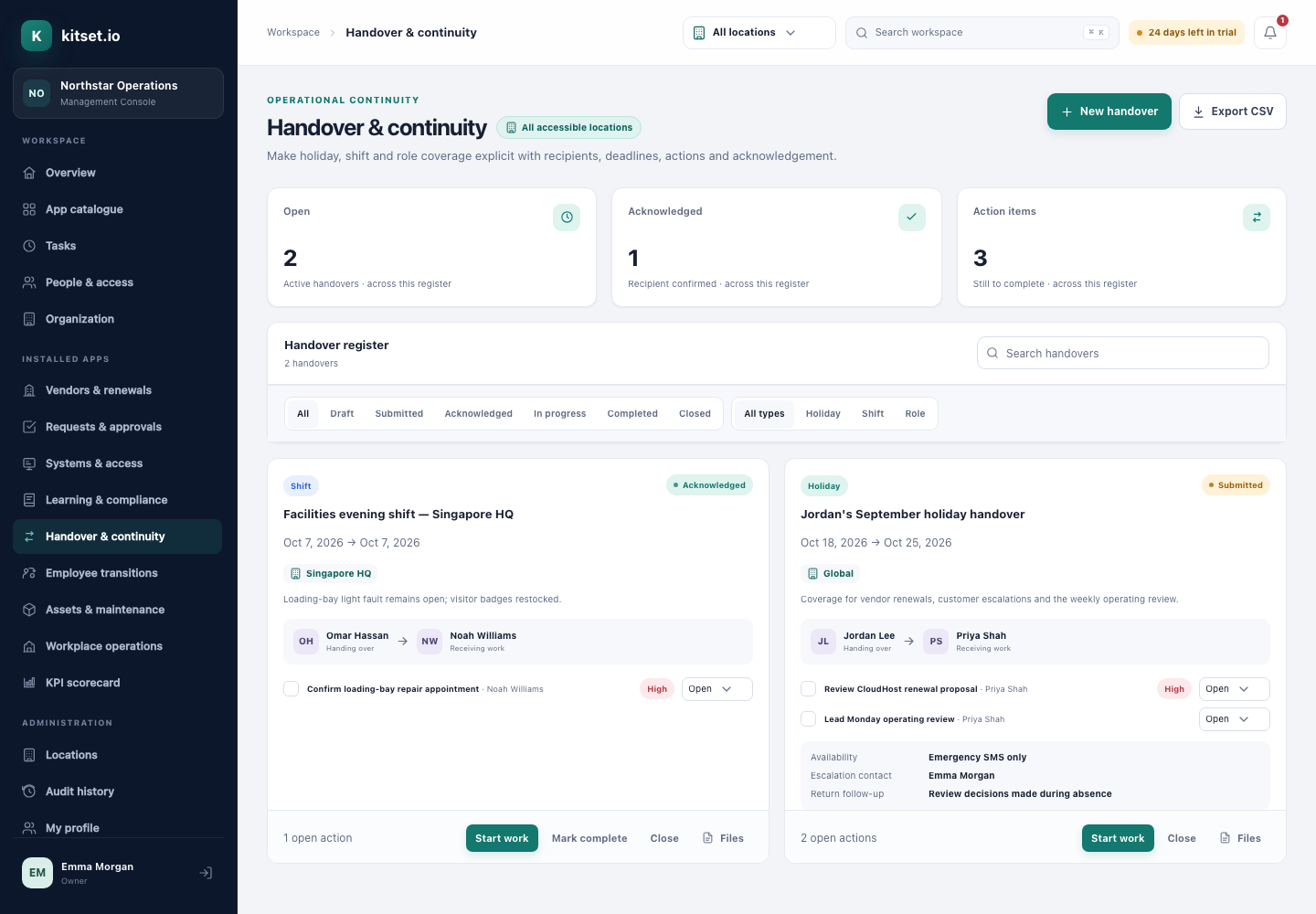
Each with a recipient, dates, your availability, an escalation contact and what you will pick back up when you return.
Split the work into actions, each with its own owner, due date and priority. Every owner gets a task.
The recipient acknowledges the handover, and the time is recorded.
Employees write their own handovers in the Employee Portal and see only the ones they are part of.
Owners are reminded about actions with due dates as they come due.
Export handovers to CSV, one line per action.
What needs cover, the actions, their owners and their dates.
The recipient gets a task to review it, and each action owner gets theirs.
The recipient acknowledges, and actions move from open to done.
Managers and administrators see every handover in their scope, with search, filters and totals.
Employees create handovers, follow their actions and acknowledge the handovers given to them.
Every plan includes some apps: Team 3, Growth 5 and Scale 8. A plan includes your most expensive selected apps, and each app past that is billed at its own price. Past your plan's allowance, Handover & Continuity is $19 a month, and annual billing charges 10 months for the year.
Yes, from the Employee Portal. Each person sees only the handovers they are part of.
The recipient acknowledges it, and the time is recorded on the handover.
5 Console users, 500 Portal users, 25 GB of storage and any 3 apps, free for 30 days. No card, no call.