Your calendar app can show your kitset.io dates beside your other meetings. You give it a private address once, and it keeps reading it: company events you are invited to and the dates your apps hold for you, from the last thirty days to six months ahead.
Make your address
Open Calendar, or My calendar in the Employee Portal, and choose Subscribe.
Choose Make an address.
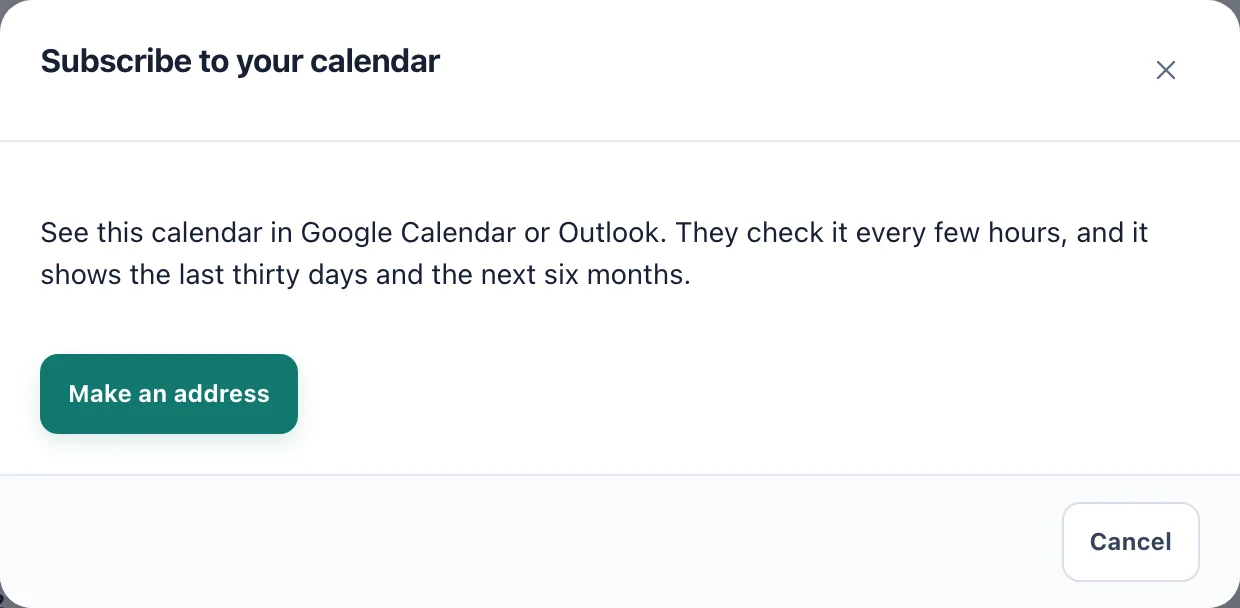
Subscribe to your calendar. The address is made for you alone. Under Your calendar address, choose Copy.
Add it to your calendar app. In Google Calendar, add a calendar From URL. In Outlook, use Subscribe from web.
The calendar appears in your app as kitset.io. Calendar apps check it every few hours, not straight away, so a new event can take a while to show there. The calendar in kitset.io itself is always current.
What it holds
The same dates as your calendar in kitset.io: company events for you, and the layers you are allowed to see, such as your tasks, your training and the renewals you look after. It follows what you may see, not which layers you have ticked on the page.
Bookings are left out. When a booking is confirmed, kitset.io emails it to you with a calendar file to add, so taking it from the feed as well would show it twice.
Replace or turn off the address
Choose Subscribe again. The dialog says when your address was made and when a calendar app last read it.
Make a new address gives you a new one, and the old one stops working at once. Do this if you lost it or shared it by mistake, then add the new one to your calendar app.
Turn off stops the address working. Calendar apps using it stop updating.
An address also stops working when your account is deactivated.