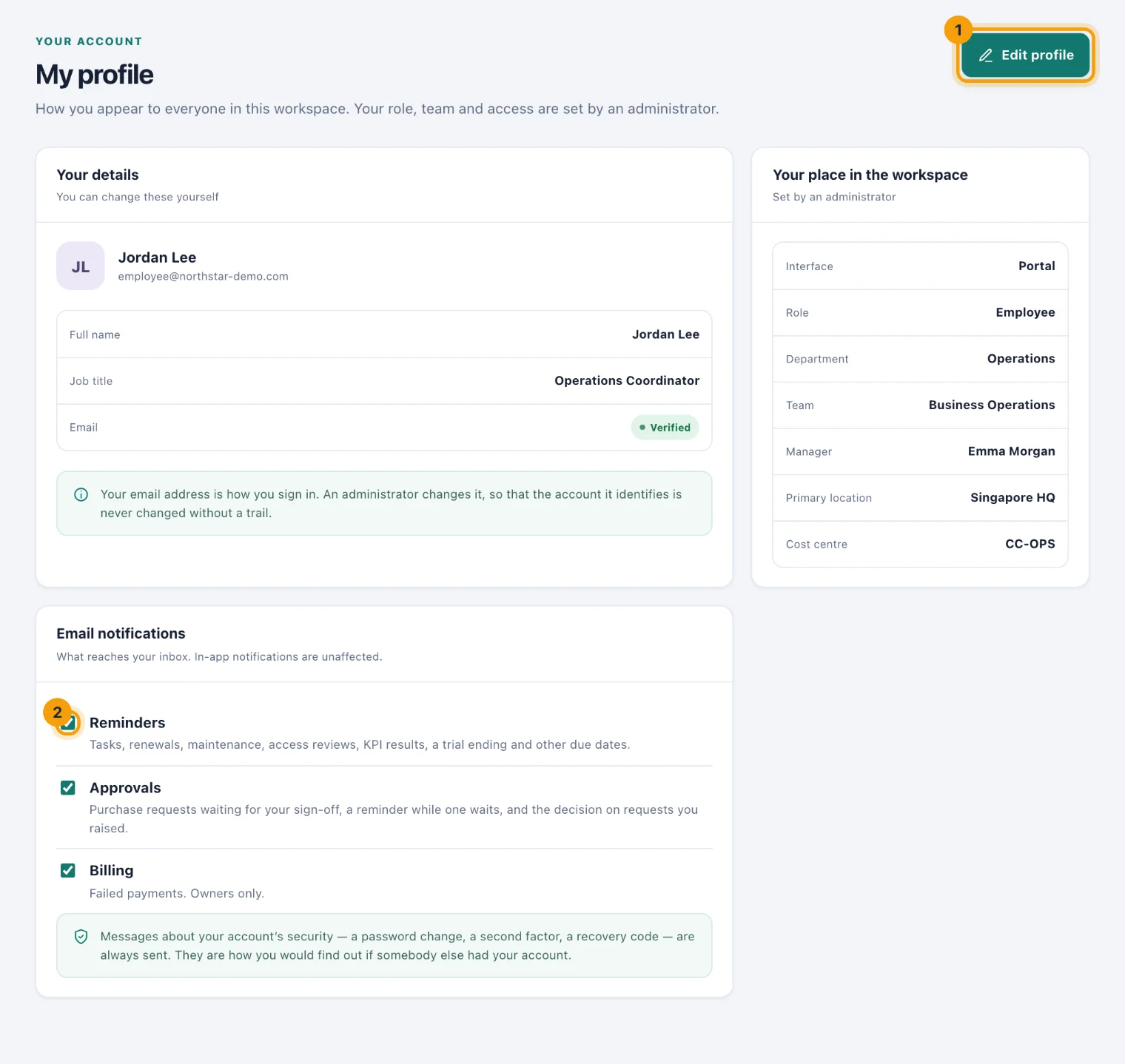
Your profile is how you appear to everyone in the workspace. Open it from My profile in the sidebar.
Change your name or job title
Choose Edit profile (1).
Change your full name or job title.
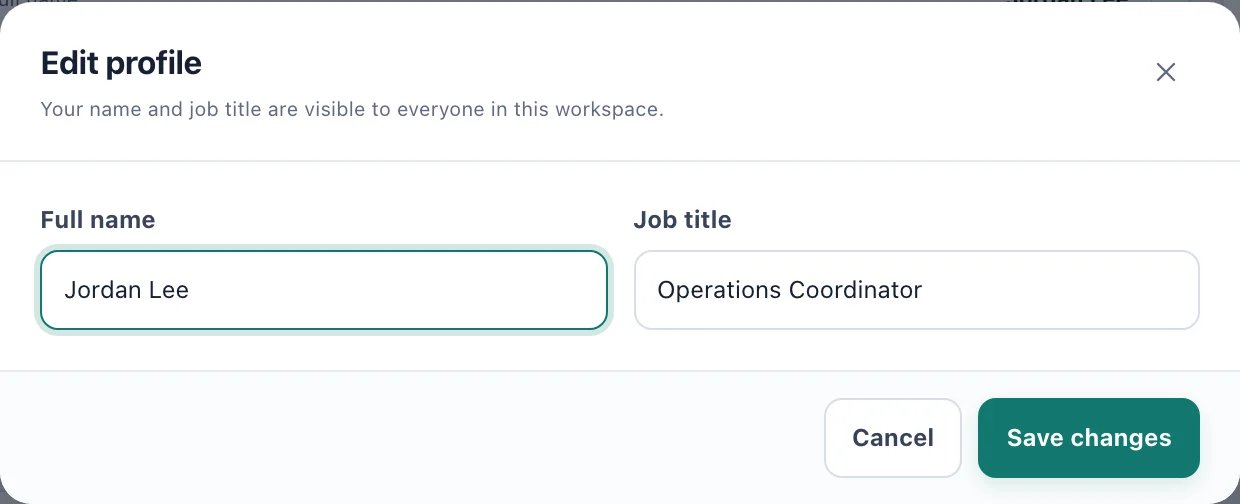
Edit profile: two fields, saved for everyone at once. Choose Save changes. Everyone in the workspace sees the change.
Your email address is how you sign in, so an administrator changes it, never you. That way the account it identifies is never changed without a trail.
Your place in the workspace
Your interface, role, department, team, manager, primary location and cost centre are set by an administrator. If one is wrong, ask whoever looks after people in your workspace.
Choose which emails reach you
Under Email notifications, untick a kind to stop those emails (2). The in-app notifications under the bell are unaffected.