kitset.io sends email on your workspace's behalf: invitations, password resets, approvals waiting, reminders and other notices. Each message waits in an outbox until it is delivered. The Delivery center shows that outbox, so when someone says "I never got the invitation" you can see what happened to it. Open it from Delivery center under Administration in the Console sidebar.
Read the outbox
Four figures sit at the top: Queued emails, Sent emails, Undeliverable (messages that gave up retrying, bounced, were reported as spam or went to a suppressed address) and whether email delivery is configured.
Below them, Transactional email outbox lists the newest messages first, with the Recipient, the Message subject, its Purpose, its Status, how many Attempts were made, and when it was Queued and Sent. A message that failed shows the reason under its subject.
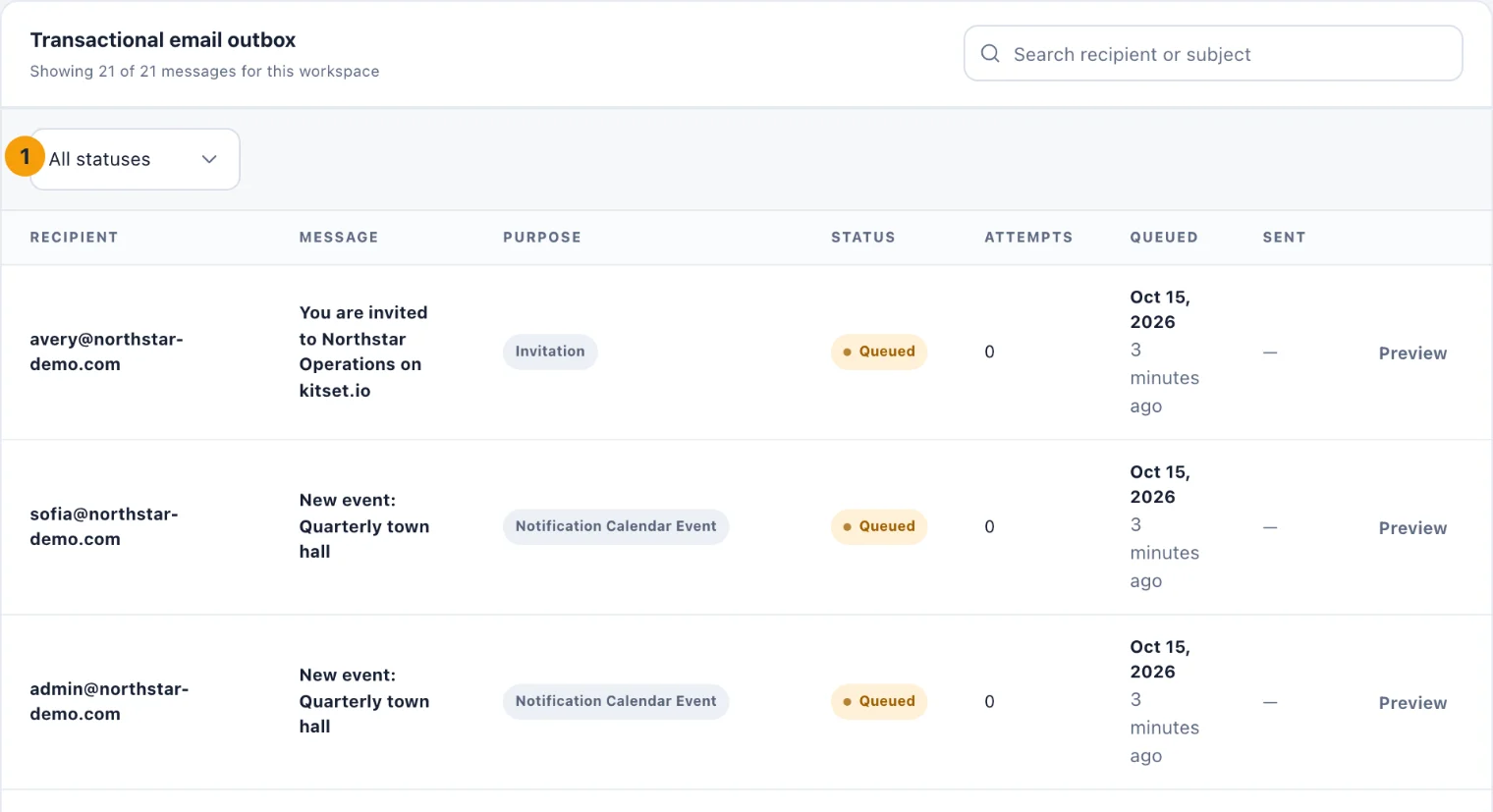
To find a message, type in Search recipient or subject, or choose a status (1): Queued, Sending, Retrying, Sent, Failed, Bounced, Complained, Suppressed or Cancelled. A message to a person who was later erased is Cancelled. The list shows a hundred at a time; Show more adds more, up to 500, and past that the search or a status reaches the rest.
Retry a failed message
A message the email worker gave up on shows Retry at the end of its row. Choosing it puts the message back in the queue, and you see Message queued again. It is sent on the next delivery run.
Process email queue, at the top of the page, runs a delivery for this workspace now rather than waiting. On kitset.io the email worker already sends queued messages every few seconds, so the button tells you that instead. The delivery figure also says when the worker last reported, and warns you if it stops reporting. Run reminders runs this workspace's reminder scan now: renewals, due dates and the other reminders kitset.io otherwise checks on its own schedule.
Suppressed recipients
An address that hard-bounces, or whose owner reports a message as spam, is added to Suppressed recipients and is not mailed again. That protects the sending reputation every address in your workspace relies on.
If the address has been fixed, for example a typing mistake corrected on the person's profile, choose Clear on its row, then Clear suppression. Its record is deleted, not archived, and mail goes to it again. If it is still bad, it bounces once more.
Who can do what
See the Delivery center. Owners and System Admins. An Admin can be given View delivery center with custom access.
Retry, clear, process the queue and run reminders. Owners and System Admins, or anyone given Manage delivery center. Without it the page is read-only.