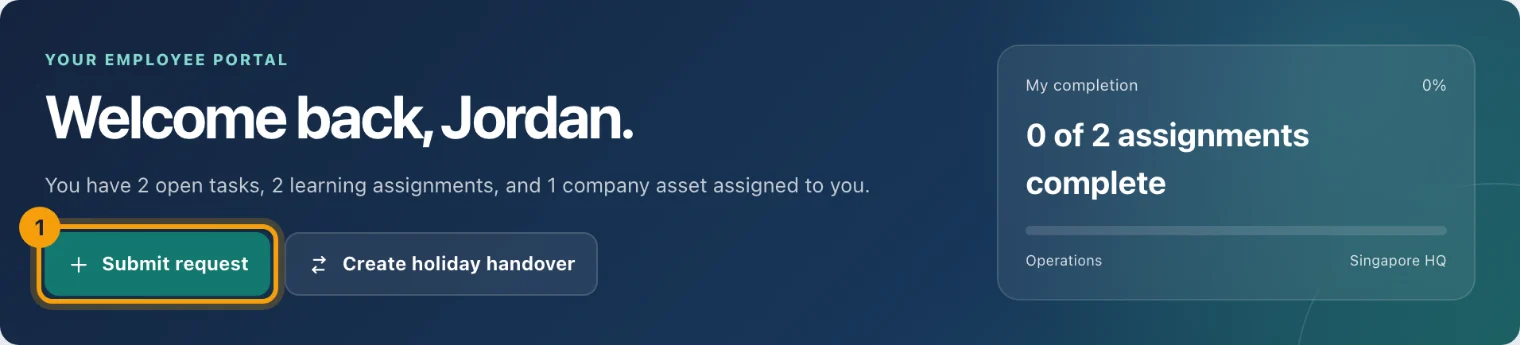
My day is where the Employee Portal opens. It shows what needs you today, and the requests you are most likely to make.
What it shows
Open tasks. Tasks assigned to you, from any app, newest first. Tick one off from here.
Learning due. Policies to acknowledge and training to complete.
My assets. Equipment checked out to you, and when anything is due back.
My completion. How much of your assigned learning you have finished.
Quick actions
The Quick actions card starts the requests people make most. Each one opens its own page, and saving or cancelling brings you back to My day.
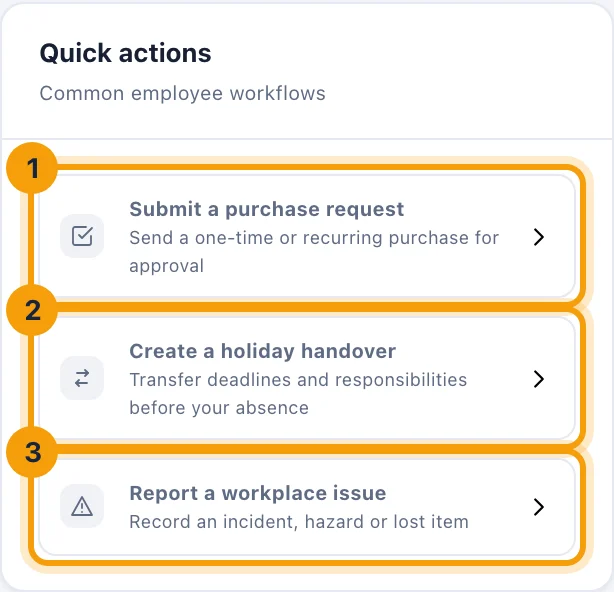
Submit a purchase request sends a one-time or recurring purchase for approval.
Create a holiday handover passes your deadlines and responsibilities to someone before you are away.
Report a workplace issue records an incident, a hazard or a lost item.
An action only appears when your workspace uses that app.