When something needs you, or something you are waiting on happens, kitset.io tells you under the bell at the top right of every page. The number on the bell is how many notifications you have not read yet.

What you are told about
Notifications come from every app your workspace uses. For example:
Work given to you. A task assigned to you, a handover to review, a policy or course to complete, a purchase request waiting for your signature.
Answers. A decision on a purchase request you raised, a reply on a service desk ticket, a booking approved or declined.
Due dates. Reminders as a task, a renewal, a maintenance date, an access review or a KPI result comes due, and once it is overdue.
Company events. An event added for you, changed or cancelled, when whoever added it chose to tell people.
Read your notifications
Choose the bell. The Notifications page lists them all, newest first, fifty to a page. Unread ones have a coloured bar down their left edge, and the heading says how many are unread.
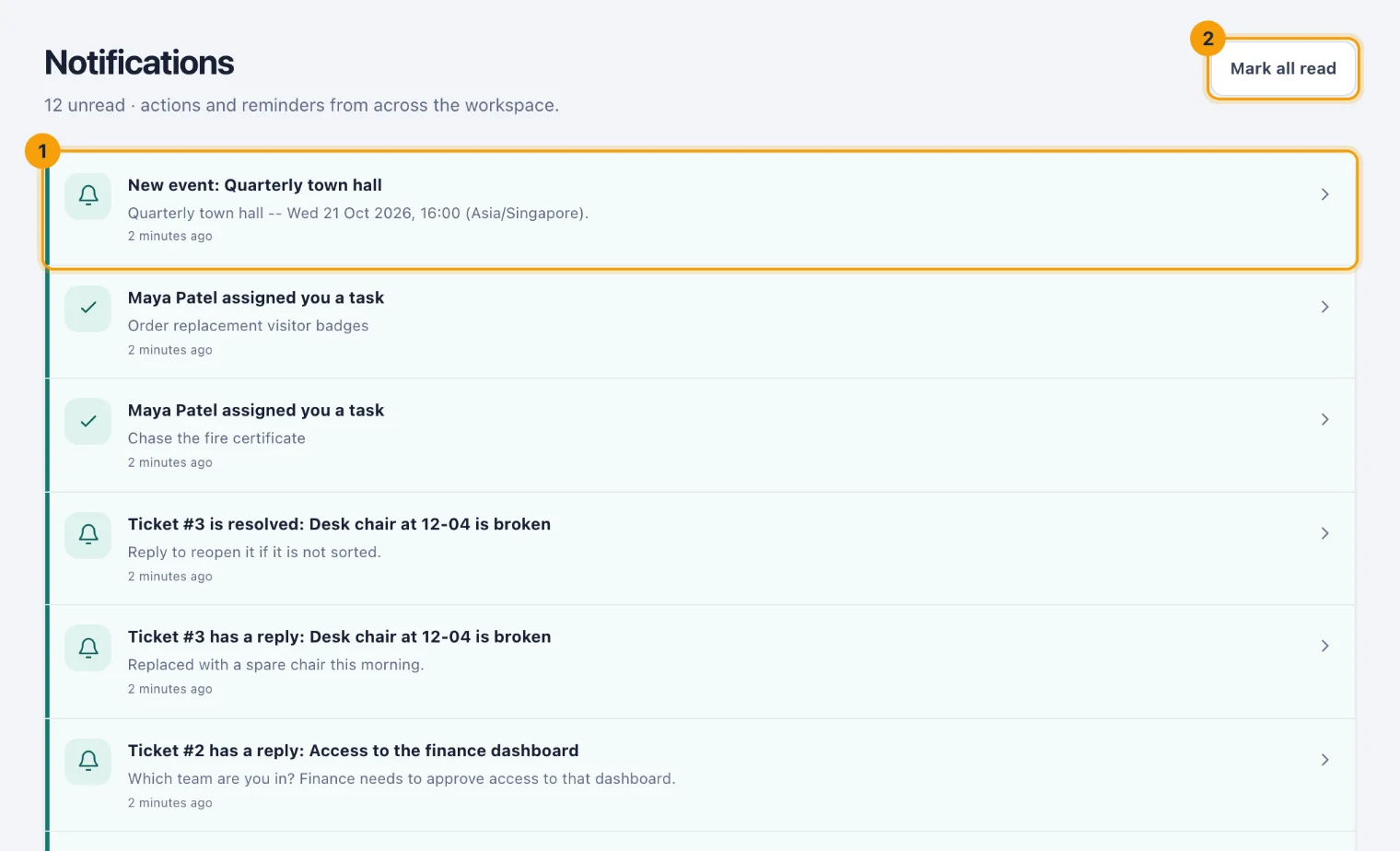
Notifications. Unread ones have a coloured edge; choose one (1) to go to what it is about. Choose a notification (1). It is marked read and, when it is about a record, opens that record's page, such as the task list, a ticket or a purchase request.
To clear them all without opening each one, choose Mark all read (2).
Read notifications stay on the page, marked Read, so you can find one again.
Notifications and email
Many notifications also arrive by email: due-date reminders, approvals, ticket replies and announced events, among others. Some are in kitset.io only, such as a task someone assigned you. You choose which kinds of email reach you in your profile, and turning an email off never stops the notification under the bell. See Email notices. They can reach your phone as well; see Phone notifications.